
Samples
The nine Feature Samples and what each one shows.
StateFlow comes with nine small sample scenes, one for each core feature. Each has its own graph, prefabs and scripts, and runs on its own.
Importing
- Open Window › Package Manager and select StateFlow.
- Open the Samples tab and press Import next to Feature Samples.
- The samples are copied to
Assets/Samples/StateFlow/<version>/Feature Samples.
Open any scene and press Play. To see its graph, select StateFlow Manager in the Hierarchy and press StateFlow Editor. Keep the graph open while you play to watch the flow move.
The samples
| Sample | Shows | Read |
|---|---|---|
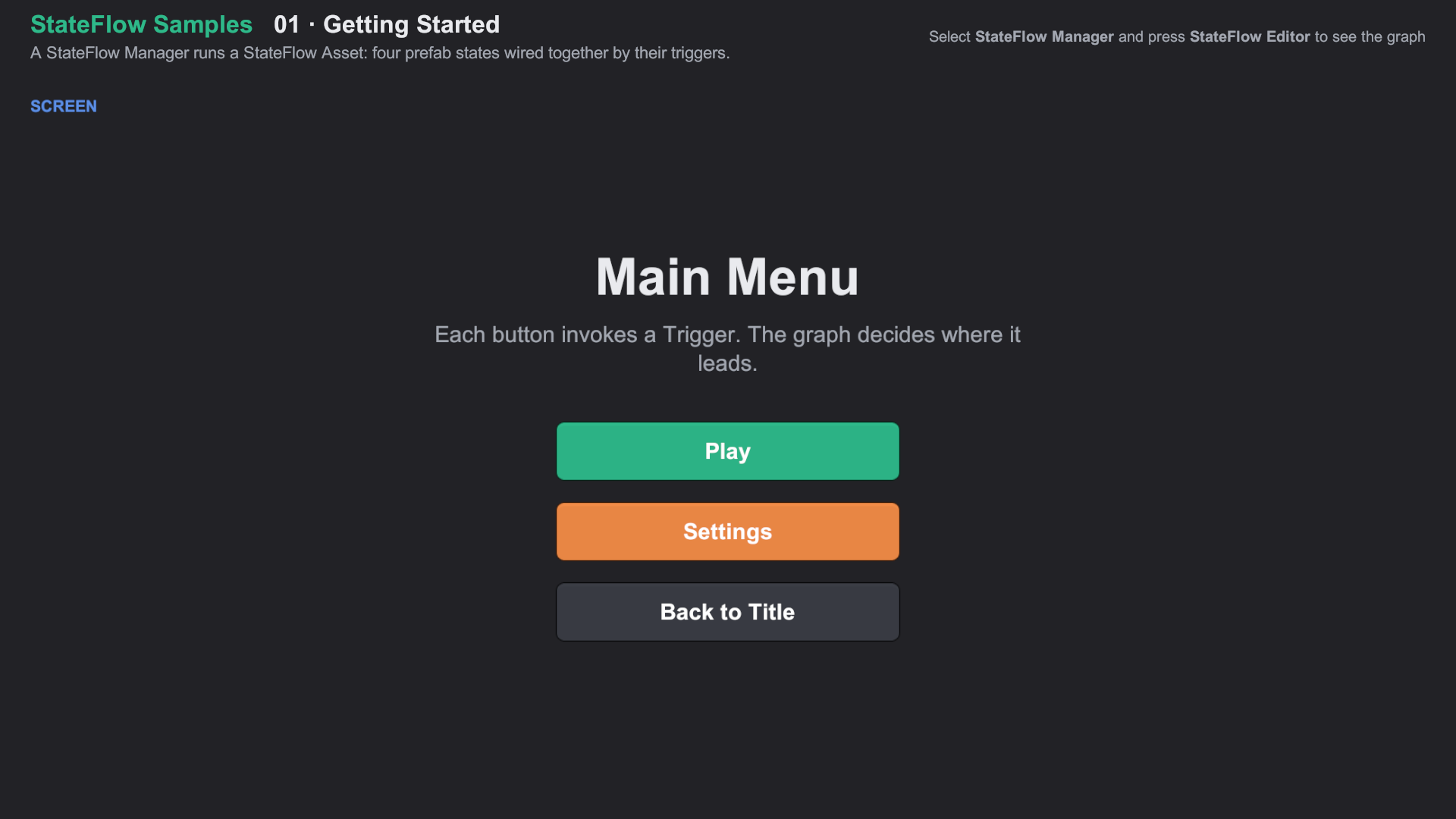
| 01 Getting Started | A StateFlow Manager running a StateFlow Asset: four prefab states wired by their triggers. | Getting started |
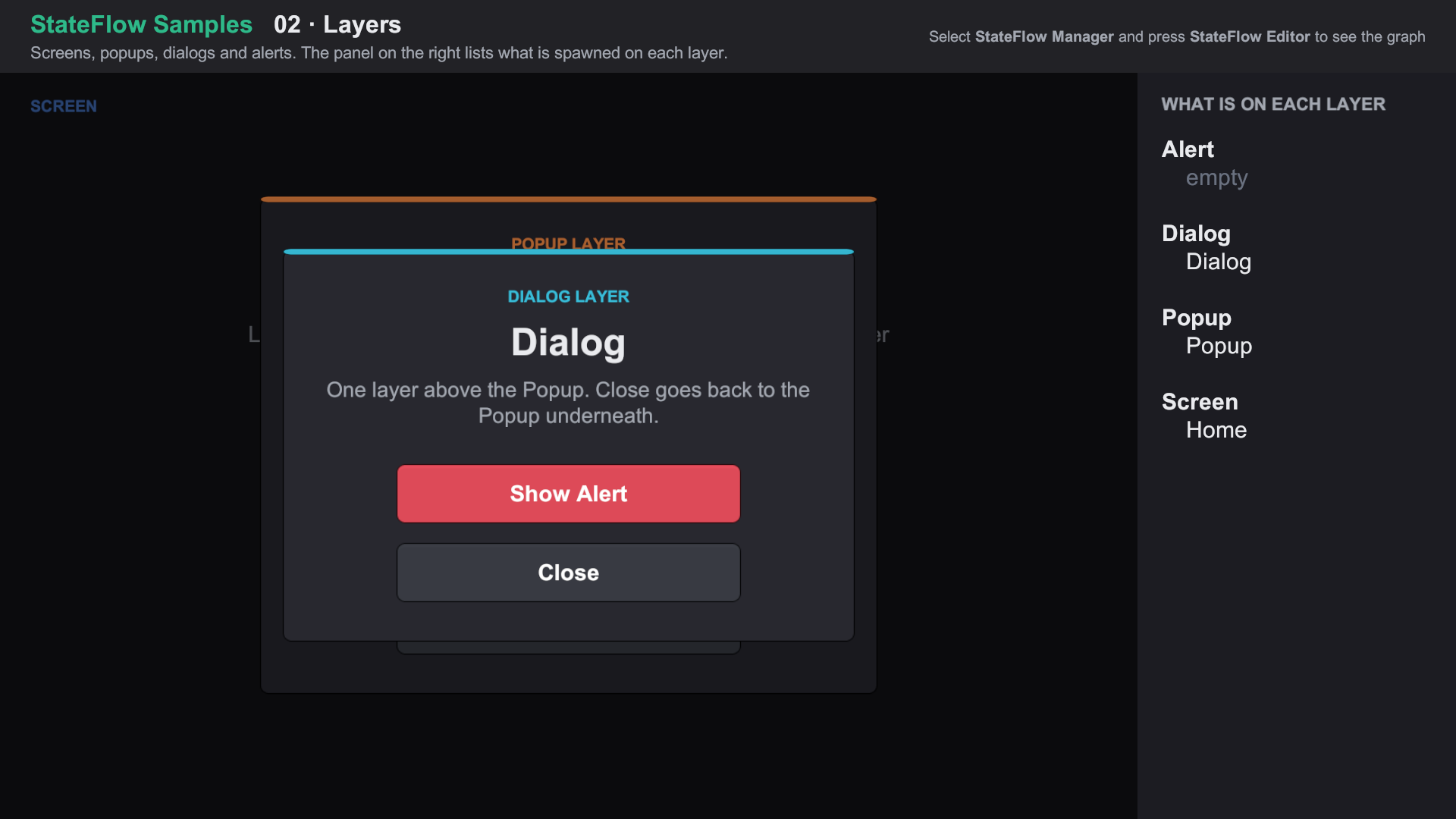
| 02 Layers | Screens, popups, dialogs and alerts, with a live list of what is on each layer. | Layers |
| 03 Payloads | A shop passing a ShopItem, then an item and a quantity, from state to state. | Payloads |
| 04 Transitions | Cross-fade, slide, a curtain on the overlay and a popup that dims the underlay. | Transitions |
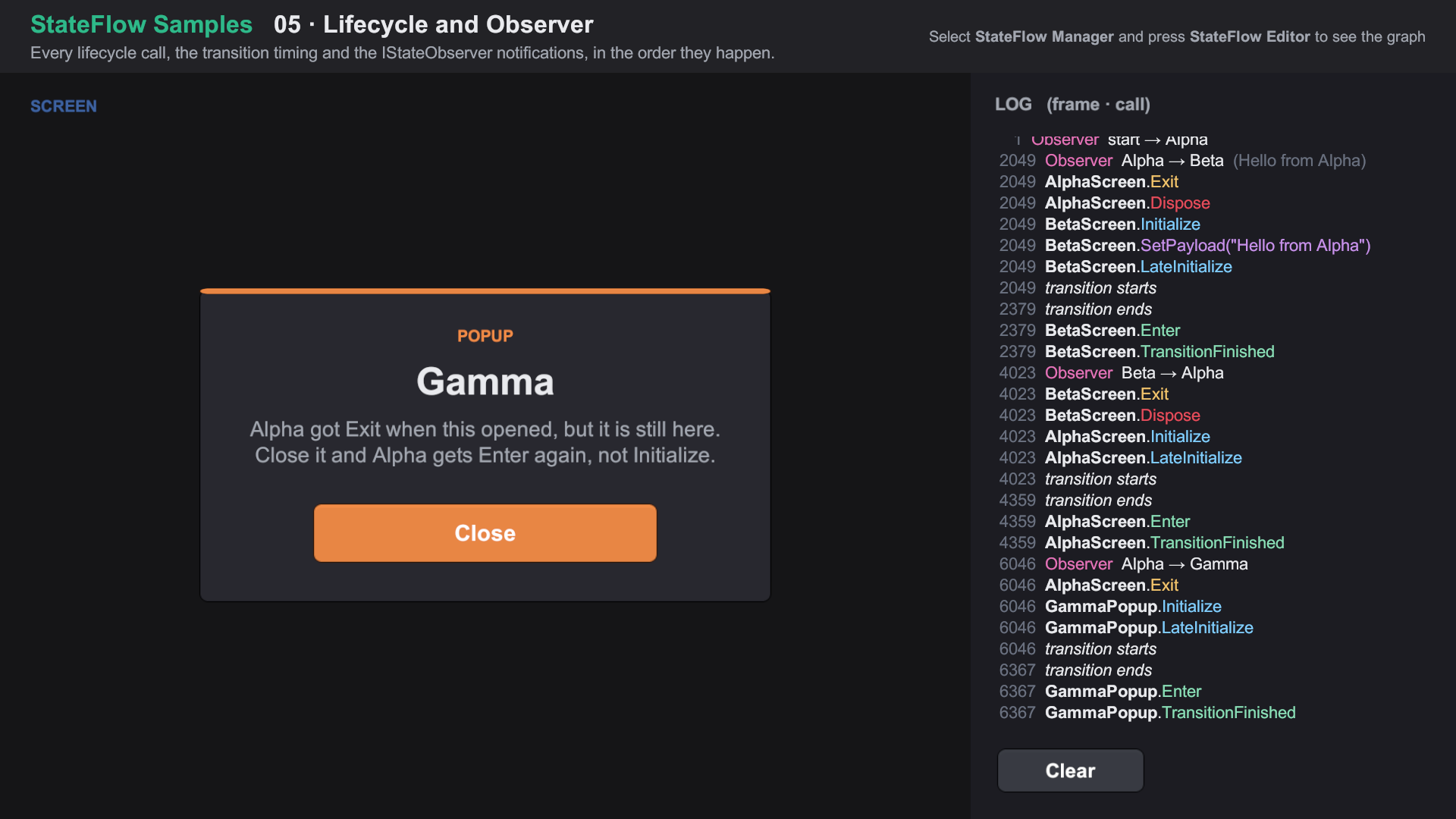
| 05 Lifecycle and Observer | A log of every lifecycle call and observer notification, in order. | Lifecycle, State observer |
| 06 Script States | A first-run check that picks the first screen, and an async sync step. | Script states |
| 07 Sub-States and Linked Machines | A Level sub-state machine with exit states, and a Shop linked from its own asset. | Sub-states |
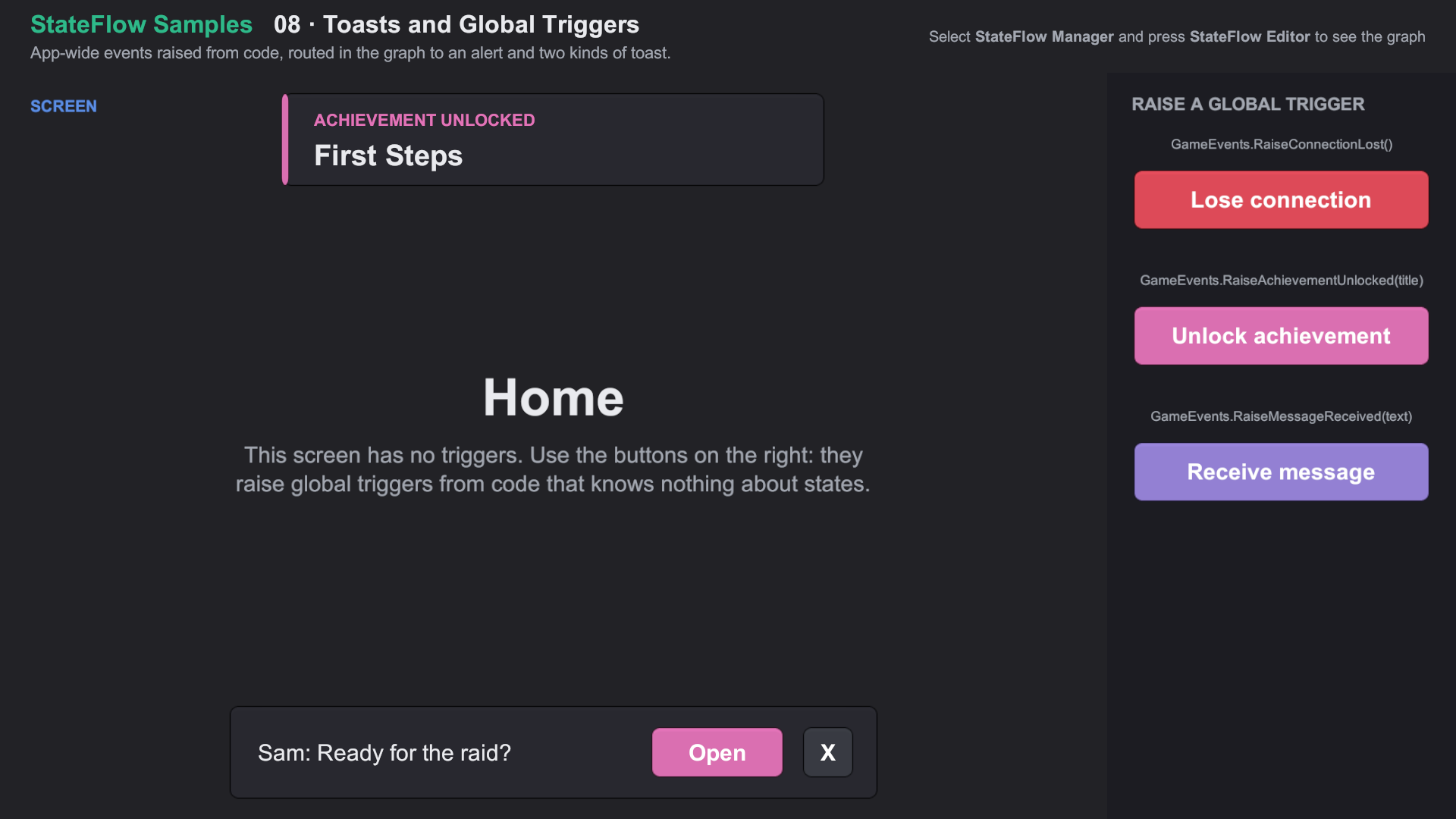
| 08 Toasts and Global Triggers | App-wide events raised from code, routed to an alert and two kinds of toast. | Toasts, Global triggers |
| 09 Spawned Content | An inventory of runtime-spawned slots, and a nested currency bar with its own trigger. | Spawned content |
01 Getting Started
02 Layers
05 Lifecycle and Observer
08 Toasts and Global Triggers
Notes
- The samples load their states through Resources, so they need no Addressables setup.
Common/Scripts/SampleInputModule.csadds the right UI input module for your project's Active Input Handling setting. It is not part of StateFlow.- All sample scripts are in the
StateFlow.Samplesassembly and theStateFlow.Samples.*namespaces. Delete the folder to remove them.