
Sub-states & linked machines
Nest state machines and reuse flows from other assets.
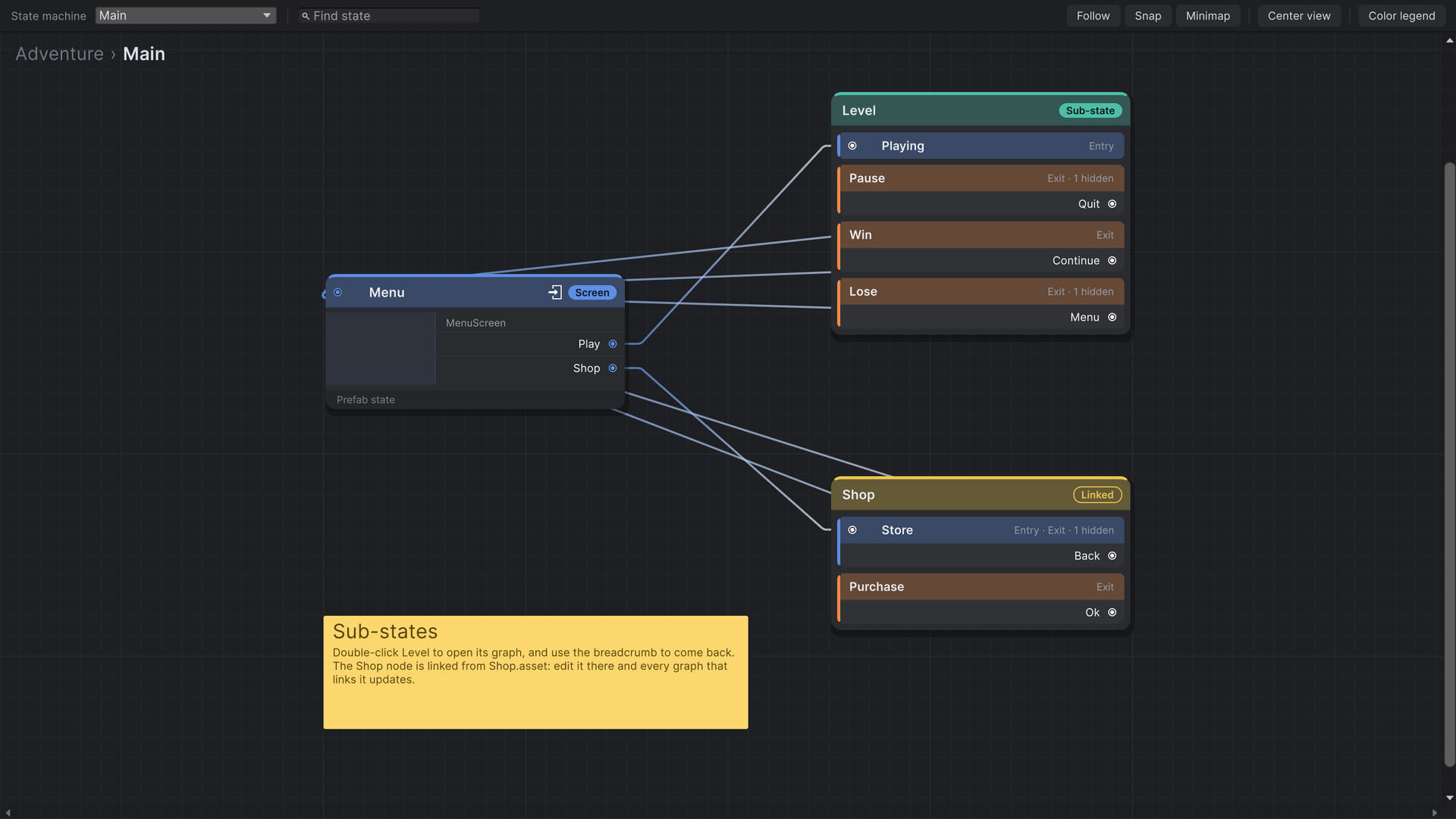
As a flow grows, group related states into a sub-state machine: a graph of its own that shows up in the parent as a single node. Use a linked machine to reuse a whole flow that lives in another StateFlow Asset.
Sub-state machines
- Right-click the graph and choose Create › New › Sub-State, then name it.
- Double-click the node to open its graph. The breadcrumb at the top shows where you are; click a parent to go back. The State machine dropdown in the toolbar jumps straight to any machine in the asset.
- Add states inside as usual and mark one as its entry state. A transition into the sub-state node arrives there.
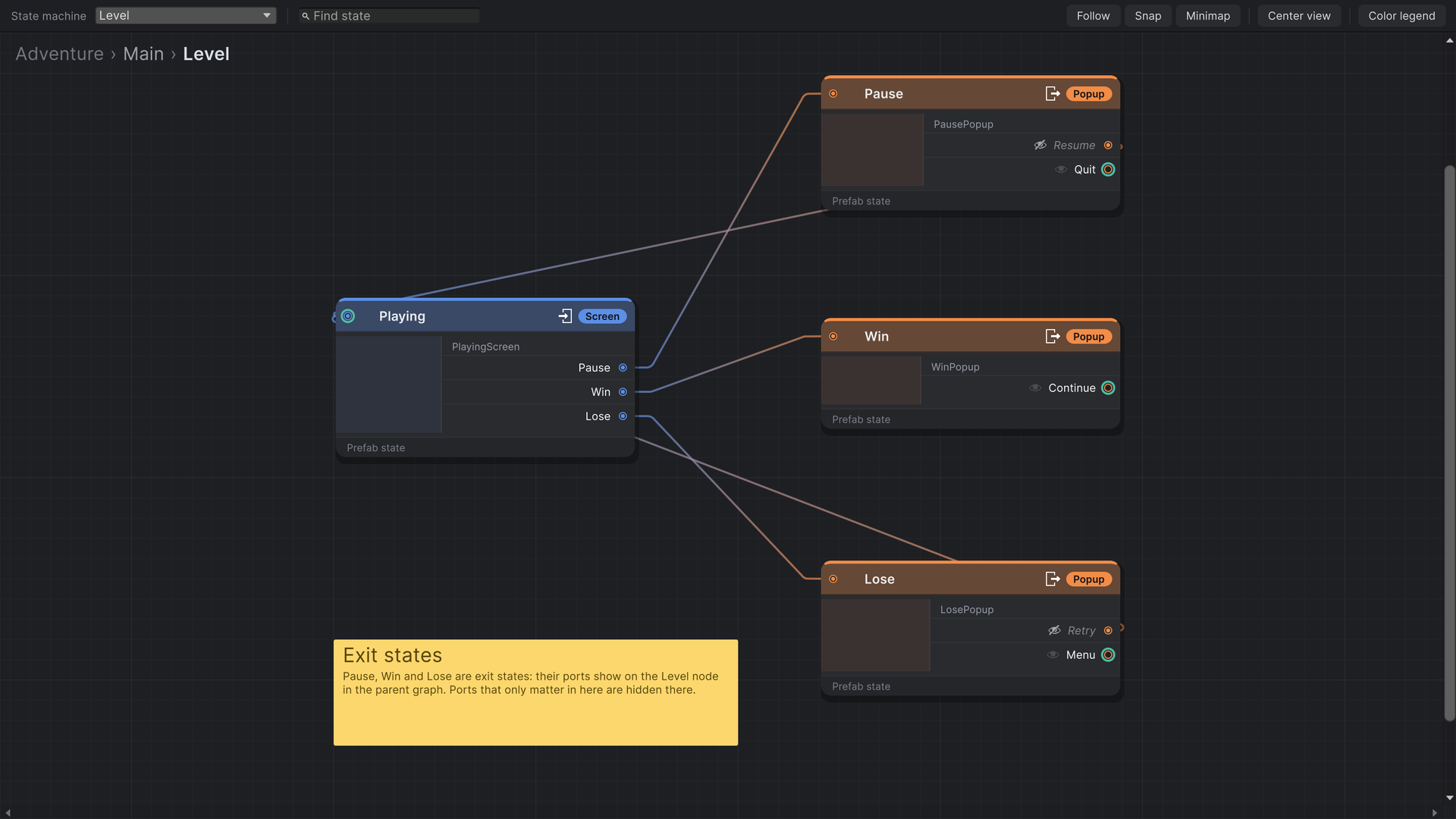
- Mark the states that can leave the sub-state as exit states. Their triggers appear as ports on the sub-state node in the parent graph, and you wire them to the parent's states there.
Hiding exit ports
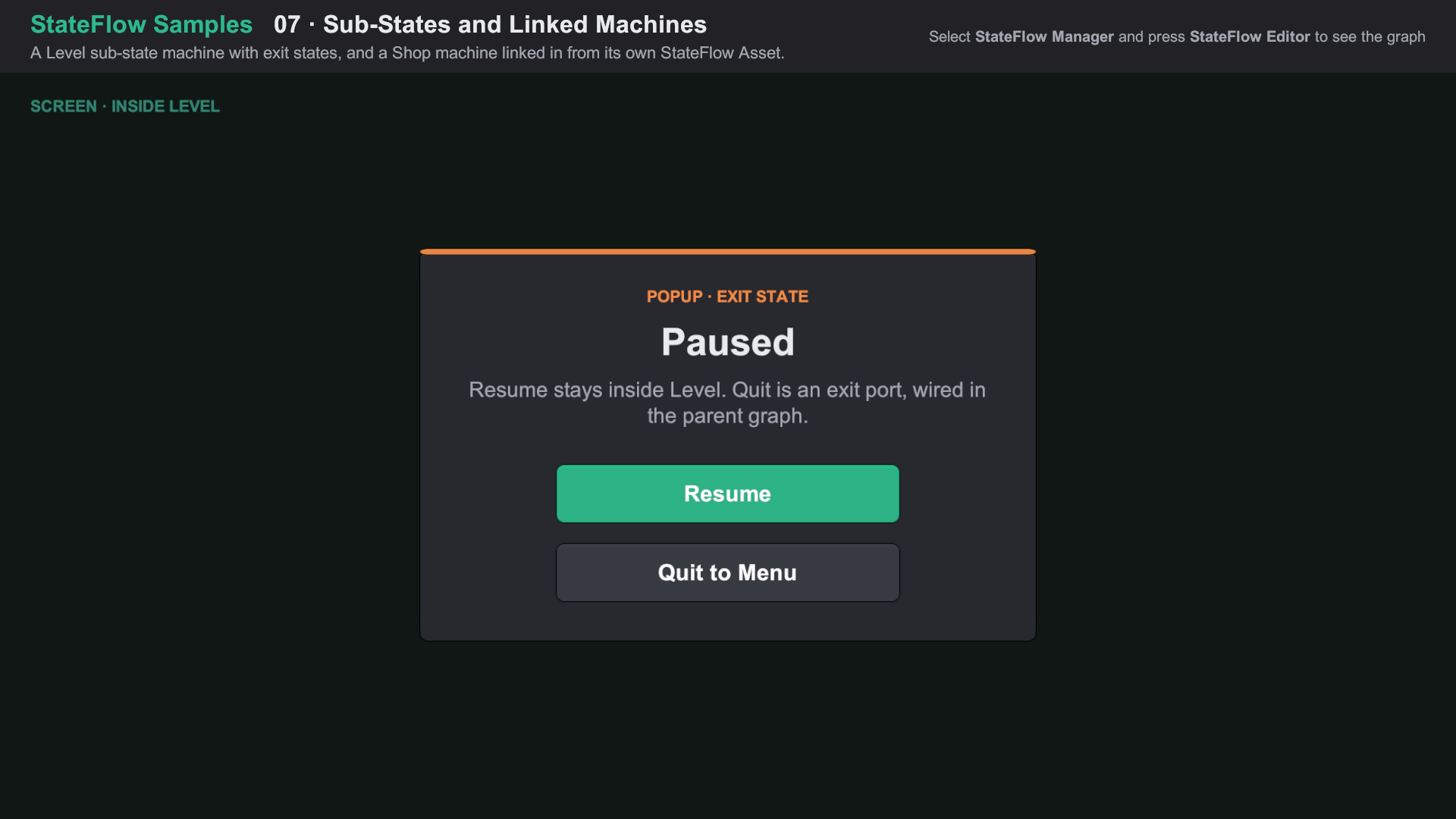
An exit state's internal triggers, like Resume on a pause popup, don't need to clutter the parent graph. Click the eye next to a port on an exit state to hide it from the parent. Hidden ports still work inside the sub-state.
Existing sub-states
Create › Existing › Sub-States places another node for a machine that already exists in the asset. Use Duplicate on a sub-state node to copy the machine with all its states and transitions.
Linked machines
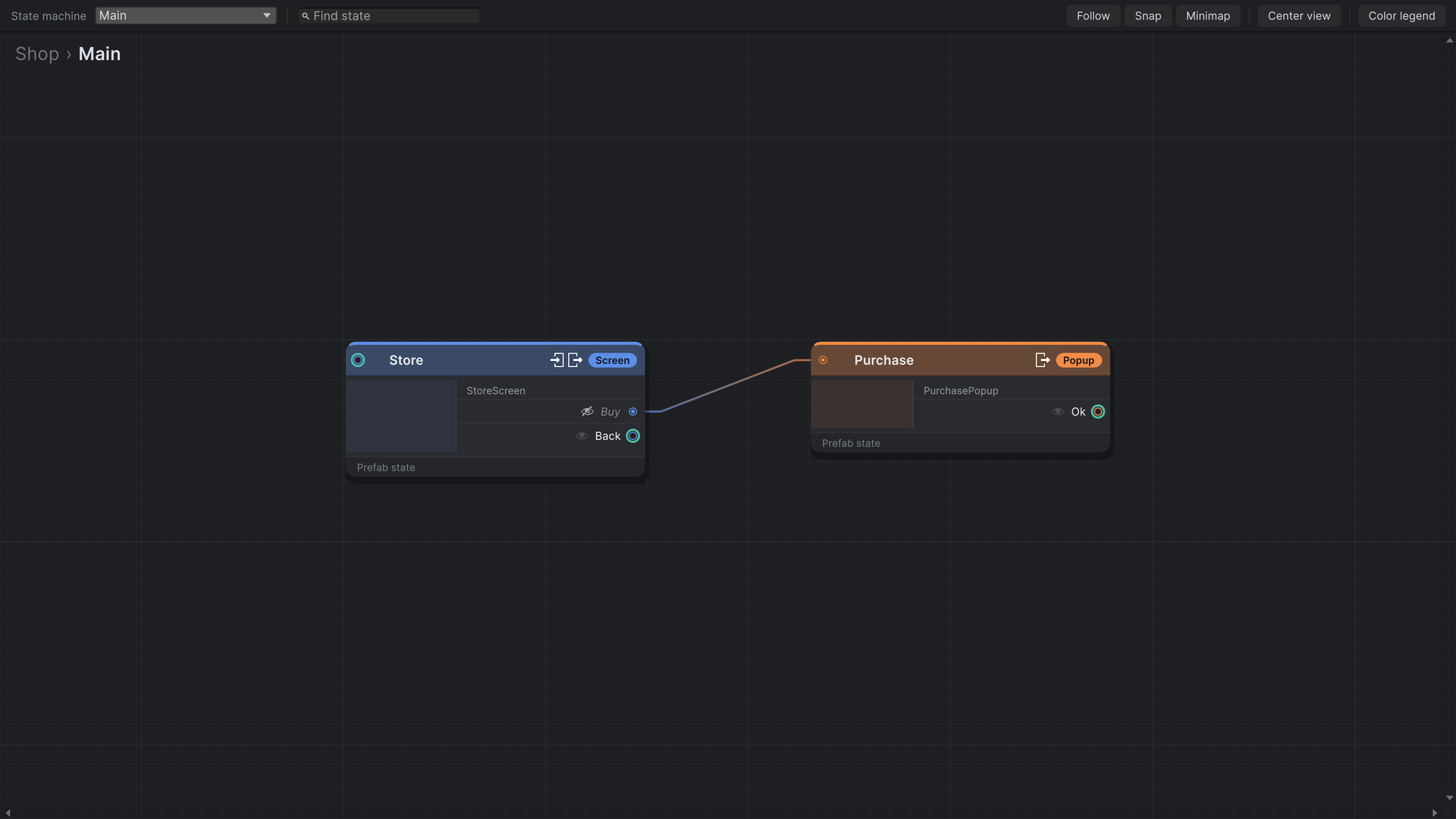
A linked machine points at another StateFlow Asset and shows its main machine as a node, like a sub-state. Edit the flow in its own asset, and every graph that links it picks up the change. Build a Shop, a Settings flow or a login flow once and link it from each game or scene that needs it.
- Build the shared flow in its own StateFlow Asset, with an entry state and exit states.
- In the parent graph, choose Create › Linked State Machine and pick the asset.
- Wire the linked node's exit ports to the parent's states. Each linking graph wires them its own way.
A linked asset is loaded with the load type of the asset that links it, not its own. Keep linked assets on the same load type as their parents; the StateFlow Asset inspector flags any mismatch.
At runtime
Sub-states and linked machines are an editor-side organisation tool. At runtime, every state from every machine and linked asset is part of one flow, and the layer rules apply across them as usual. In play mode, open any machine to see its active state and last transition; turn on Follow to keep the active state in view.
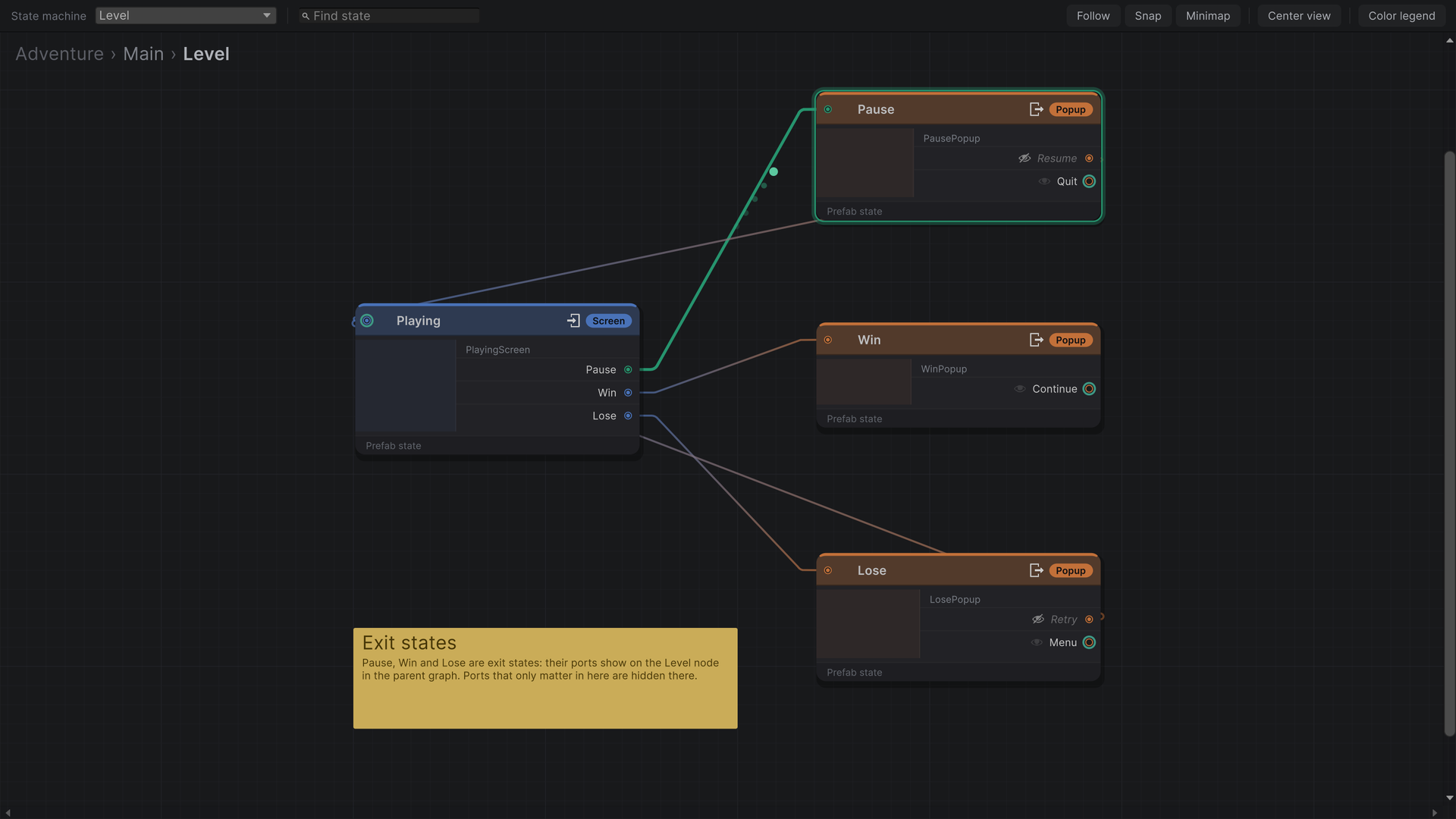
Import Feature Samples from the Package Manager and open 07 Sub-States and Linked Machines/07 Sub-States and Linked Machines.unity. About the samples