
Transitions
Animate between states with your own StateFlowTransition scripts.
Each connection in the graph has a transition script that plays when it fires. By default it is DefaultTransition, which switches instantly. Write your own to fade, slide, scale or anything else, and pick it per connection.
Picking a transition
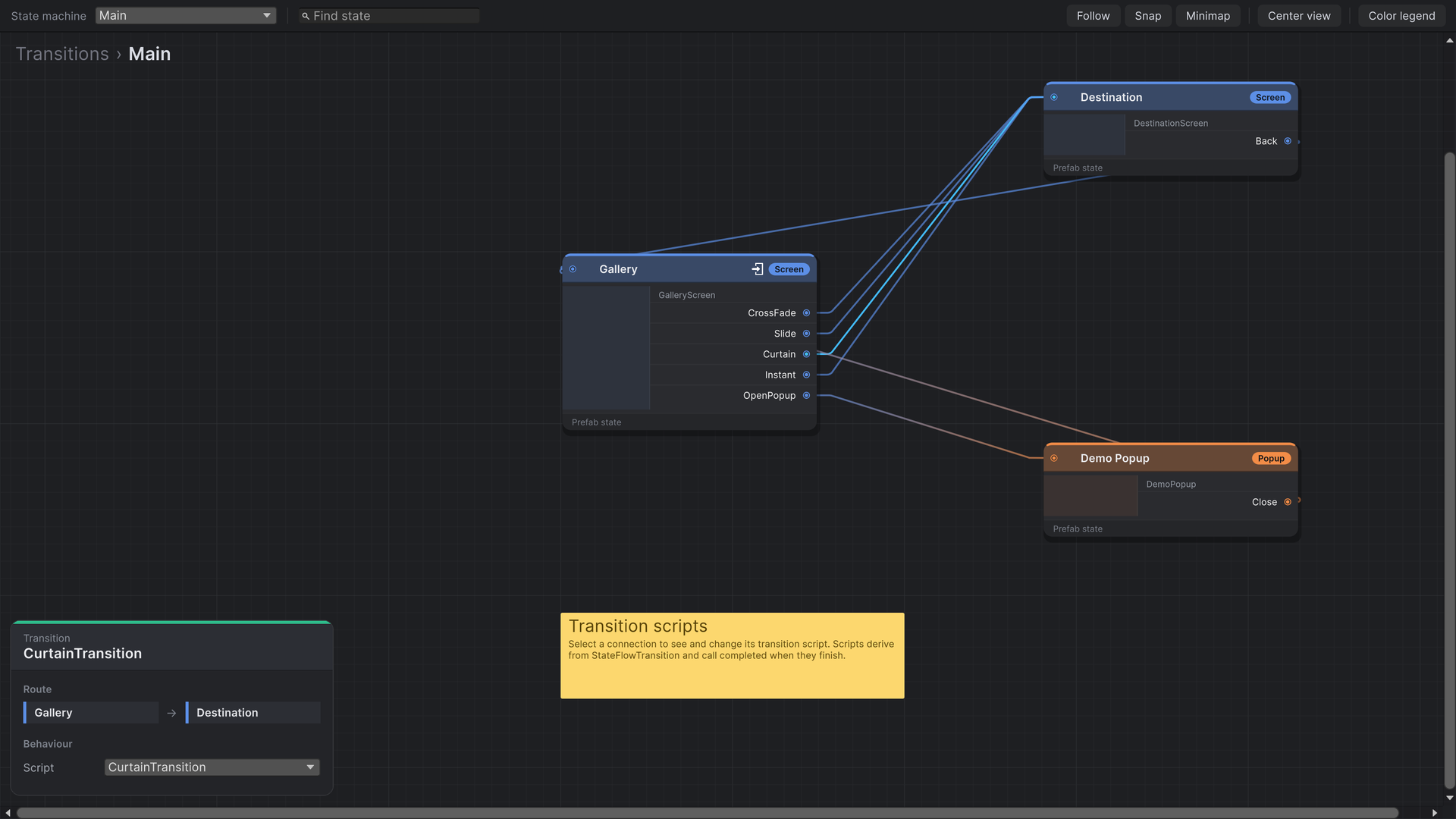
Click a connection to select it. The info panel shows its route and a Script dropdown listing every class that derives from StateFlowTransition.
Writing a transition
Derive from StateFlowTransition and implement OnStart. Animate, then call completed. The flow waits for that call before entering the next state.
using System;
using System.Collections;
using StateFlow.Runtime.Transitions.Base;
using StateFlow.Runtime.Transitions.Wrapper;
using UnityEngine;

public class CrossFadeTransition : StateFlowTransition
{
    private const float Seconds = 0.35f;

    protected override void OnStart(ITransitionState current, ITransitionState next,
        RectTransform underlay, RectTransform overlay, Action completed)
    {
        StartCoroutine(Fade(next.RectTransform, completed));
    }

    protected override void OnComplete()
    {
    }

    private static IEnumerator Fade(RectTransform target, Action completed)
    {
        var group = target.TryGetComponent(out CanvasGroup existing) ? existing : target.gameObject.AddComponent<CanvasGroup>();

        for (var elapsed = 0f; elapsed < Seconds; elapsed += Time.unscaledDeltaTime)
        {
            group.alpha = elapsed / Seconds;
            yield return null;
        }

        group.alpha = 1f;
        completed();
    }
}| Member | What it is |
|---|---|
current | The state being left. RectTransform plus ActivateGameObject() and DeActivateGameObject(). |
next | The state being entered, already spawned and initialized. |
underlay, overlay | Optional full-screen layers for effects (see below). null when not assigned on the manager. |
completed | Call once when the animation ends. Always call it, or the flow stops here. |
OnComplete() | Runs right after completed is called. Use it for clean-up. |
StartCoroutine, StopCoroutine | Run coroutines on the StateFlow Manager. A transition is a plain class, not a MonoBehaviour. |
Any tween library works inside OnStart. Start the tween, and call completed from its completion callback.
Which state to animate
The layer rules decide what is on screen while a transition plays:
- Opening on top (Screen → Popup):
nextis spawned abovecurrent, which stays visible. Animatenextin, and leavecurrentas it is. - Replacing (Screen → Screen):
nextis spawned abovecurrent, andcurrentis destroyed when the transition completes. You can animate either or both. - Closing (Popup → back to Screen): the screen underneath is
nextand is already visible. Animatecurrent(the popup) out. It is destroyed when the transition completes.
Use unscaled time so transitions keep playing while the game is paused through Time.timeScale. If you move or fade current, put it back at the end in case it stays on screen.
Underlay and overlay
Assign Underlay and Overlay RectTransforms on the StateFlow Manager to give transitions somewhere to draw effects:
- The underlay is moved just below the layer being opened. Fade it in to dim everything under a popup.
- The overlay is moved above both states. Use it for wipes and fades to black that cover the swap.
Tween.Run is a ten-line helper from the sample; any tween library does the same job. Make the underlay and overlay full-screen Images with a CanvasGroup at alpha 0 and Blocks Raycasts off, so they are invisible and click-through until a transition uses them.
public class CurtainTransition : StateFlowTransition
{
    protected override void OnStart(ITransitionState current, ITransitionState next,
        RectTransform underlay, RectTransform overlay, Action completed)
    {
        if (overlay == null)
        {
            completed();
            return;
        }

        StartCoroutine(Play(next, overlay.GetComponent<CanvasGroup>(), completed));
    }

    protected override void OnComplete()
    {
    }

    private static IEnumerator Play(ITransitionState next, CanvasGroup curtain, Action completed)
    {
        var nextGroup = next.RectTransform.gameObject.AddComponent<CanvasGroup>();
        nextGroup.alpha = 0f;           // hide the new state until the screen is covered
        curtain.blocksRaycasts = true;

        yield return Tween.Run(0.25f, Tween.OutCubic, t => curtain.alpha = t);
        nextGroup.alpha = 1f;
        yield return Tween.Run(0.3f, Tween.InCubic, t => curtain.alpha = 1f - t);

        curtain.blocksRaycasts = false;
        completed();
    }
}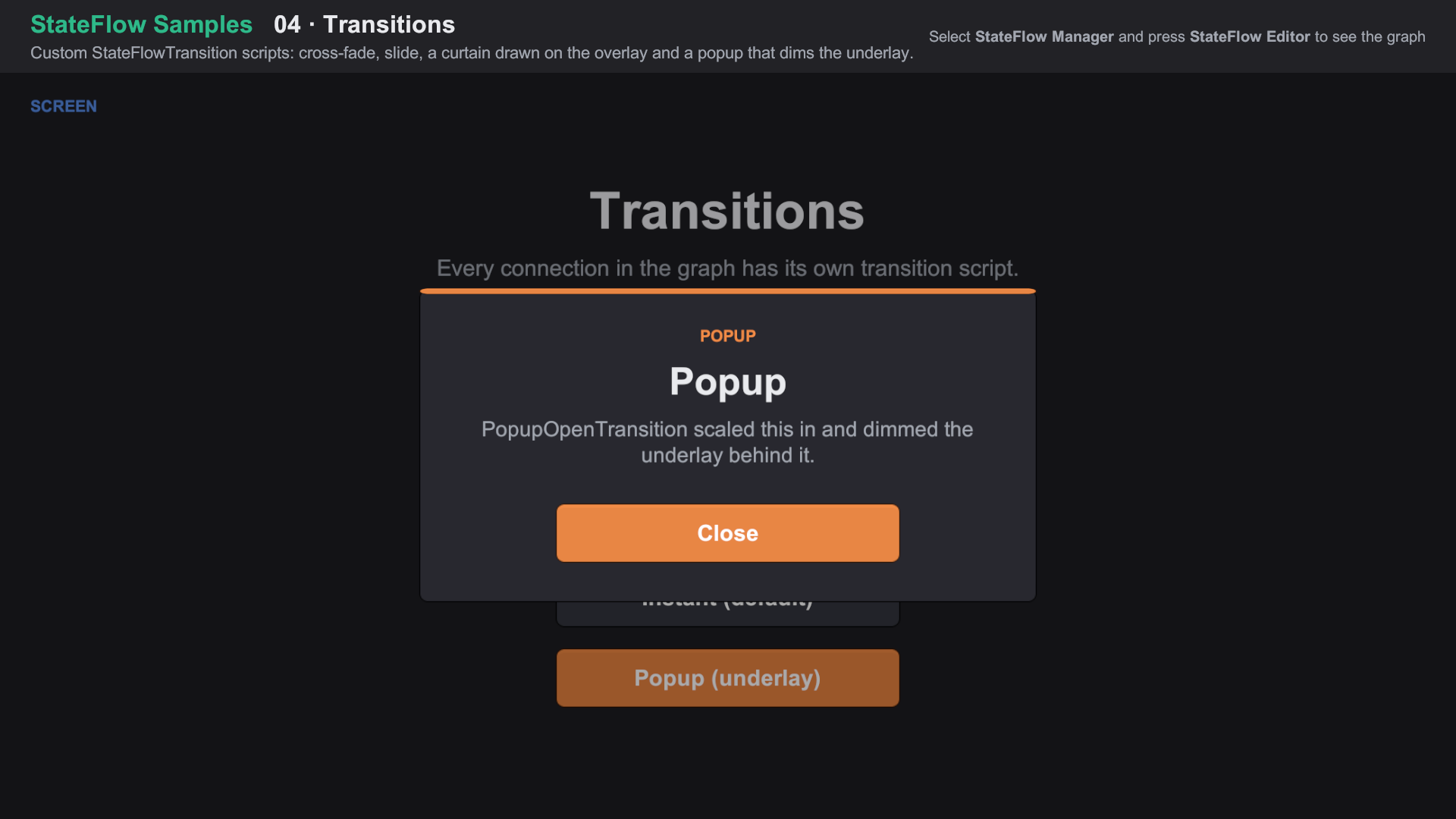
Import Feature Samples from the Package Manager and open 04 Transitions/04 Transitions.unity. About the samples
Rules
- The class needs a public parameterless constructor. A new instance is created each time the transition plays.
- Transitions into a toast don't play: toasts use their own show and hide animations.