
Script states
Logic-only states that decide where the flow goes.
Not every step of a flow is a screen. Has the player finished onboarding? Is there a daily reward? Did the save sync succeed? A script state answers a question like that and routes the flow, without a prefab of its own.
Writing a script state
A script state is an ordinary StateFlowComponent with triggers. Do the work in Enter and invoke the trigger for the answer:
using StateFlow.Runtime.Components.State;
using StateFlow.Runtime.Delegates;

public class FirstRunCheck : StateFlowComponent
{
    public event Trigger FirstRun;
    public event Trigger Returning;

    public override void Enter()
    {
        if (Onboarding.IsDone)
        {
            Returning?.Invoke();
        }
        else
        {
            FirstRun?.Invoke();
        }
    }
}
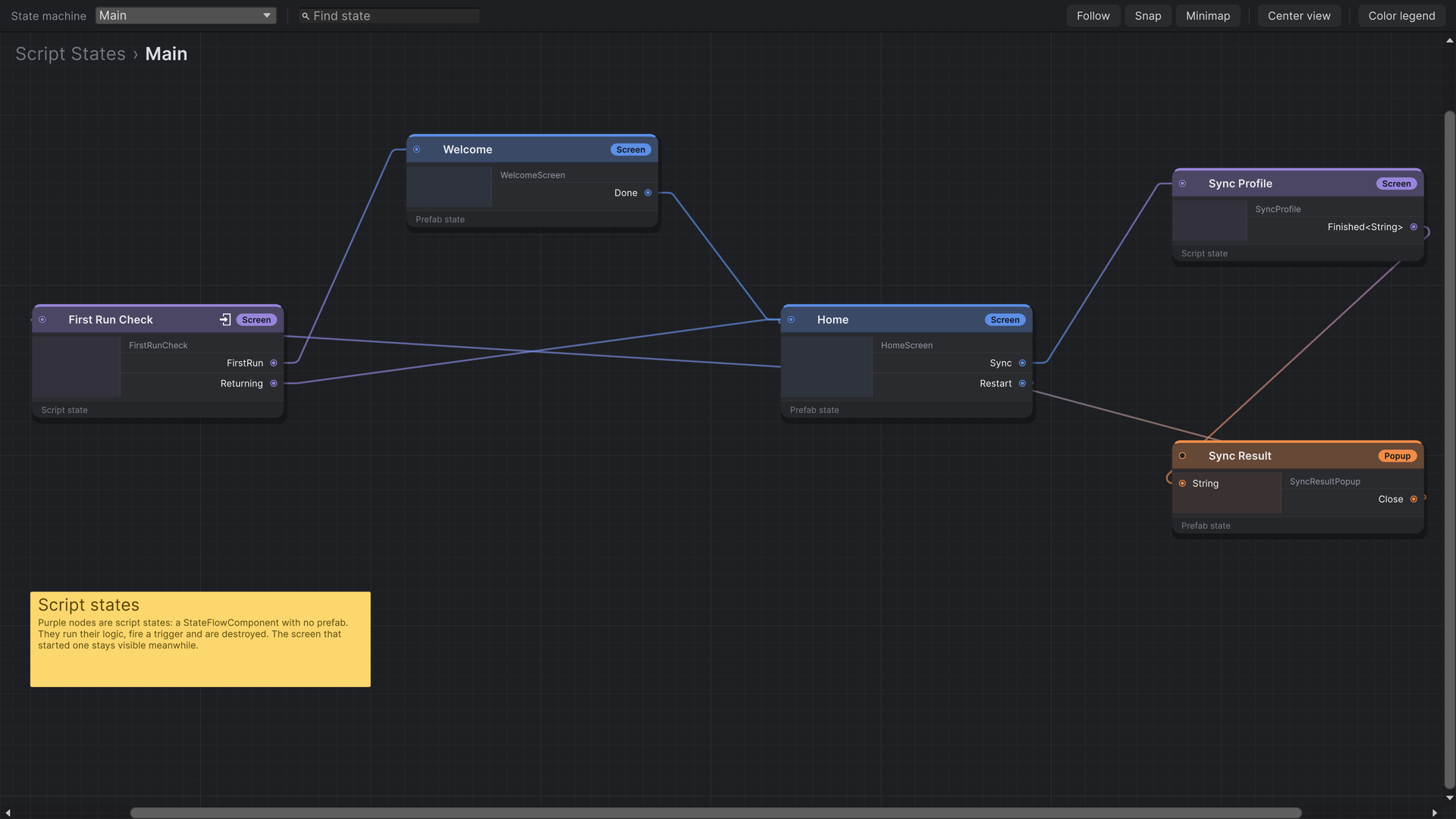
Add it with Create › Script State: give it a name and drag in the script. The script must derive from StateFlowComponent and must not be abstract.
How they run
- The runtime creates the component on a new, empty GameObject, runs its lifecycle and destroys it as soon as one of its triggers moves the flow on.
- A script state has no visuals, so it runs on top of whatever is showing. The screen that led to it stays on screen and stays in place. Its triggers are released, so the player can't start a second transition while the script works.
- Only one script state runs at a time.
- A script state can be the entry state. The first view it leads to is shown without a transition, because nothing is on screen yet.
- Script states take payloads like any state, and their triggers can send them.
Waiting for something
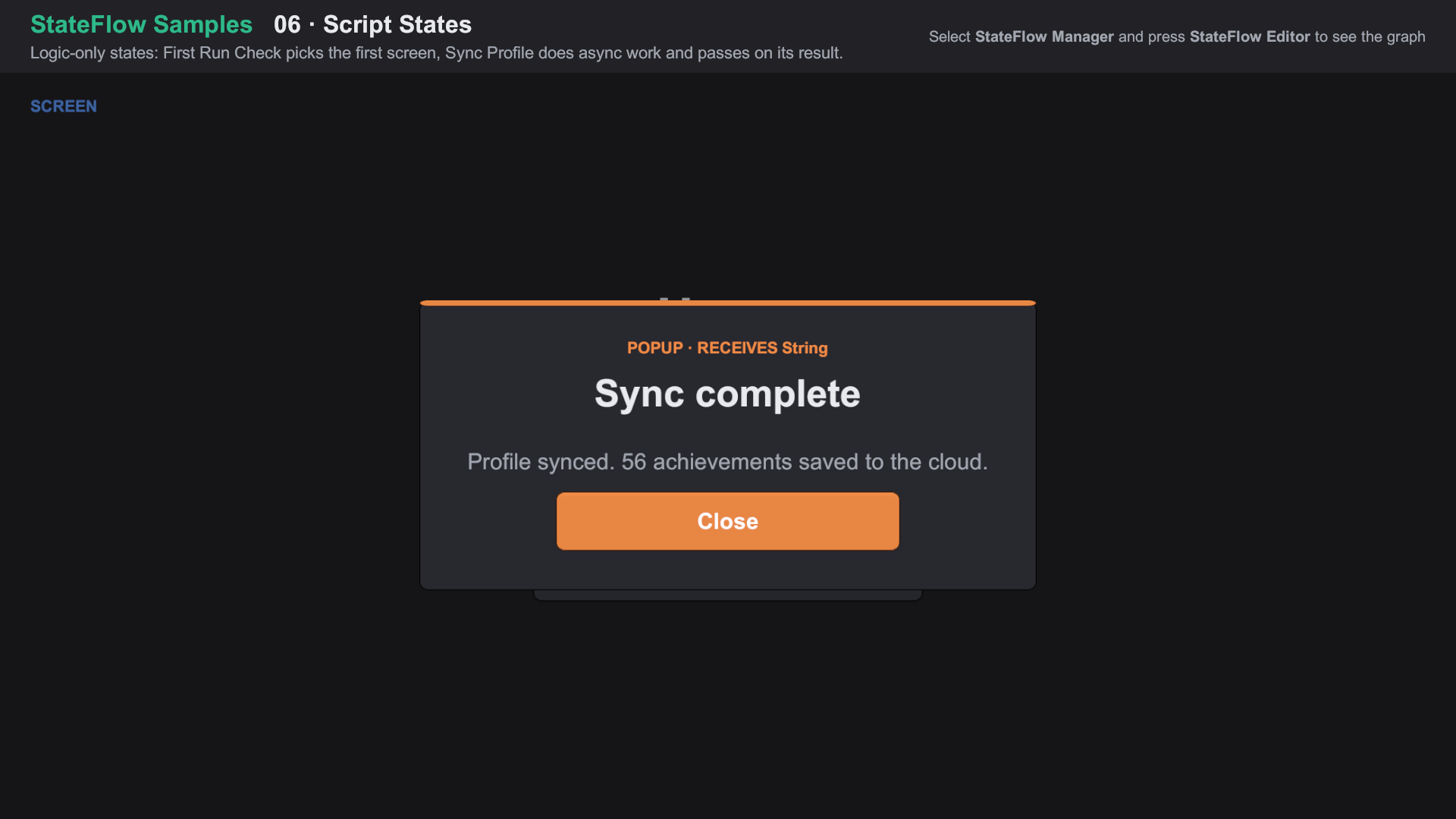
The component lives on a GameObject, so it can run coroutines or await tasks. Here the Home screen stays visible, showing "Syncing…", while the script waits:
public class SyncProfile : StateFlowComponent
{
    public event Trigger<string> Finished;

    public override void Enter()
    {
        StartCoroutine(Sync());
    }

    private IEnumerator Sync()
    {
        yield return new WaitForSecondsRealtime(1.2f);   // stand-in for real network work

        Finished?.Invoke("Profile synced.");
    }
}
Import Feature Samples from the Package Manager and open 06 Script States/06 Script States.unity. About the samples
If a script state may never fire a trigger, for example a request that can fail, give it a trigger for that outcome too. Otherwise the flow waits on it, and the screen underneath stays inactive.