
Spawned content
Triggers on runtime-spawned prefabs and nested components.
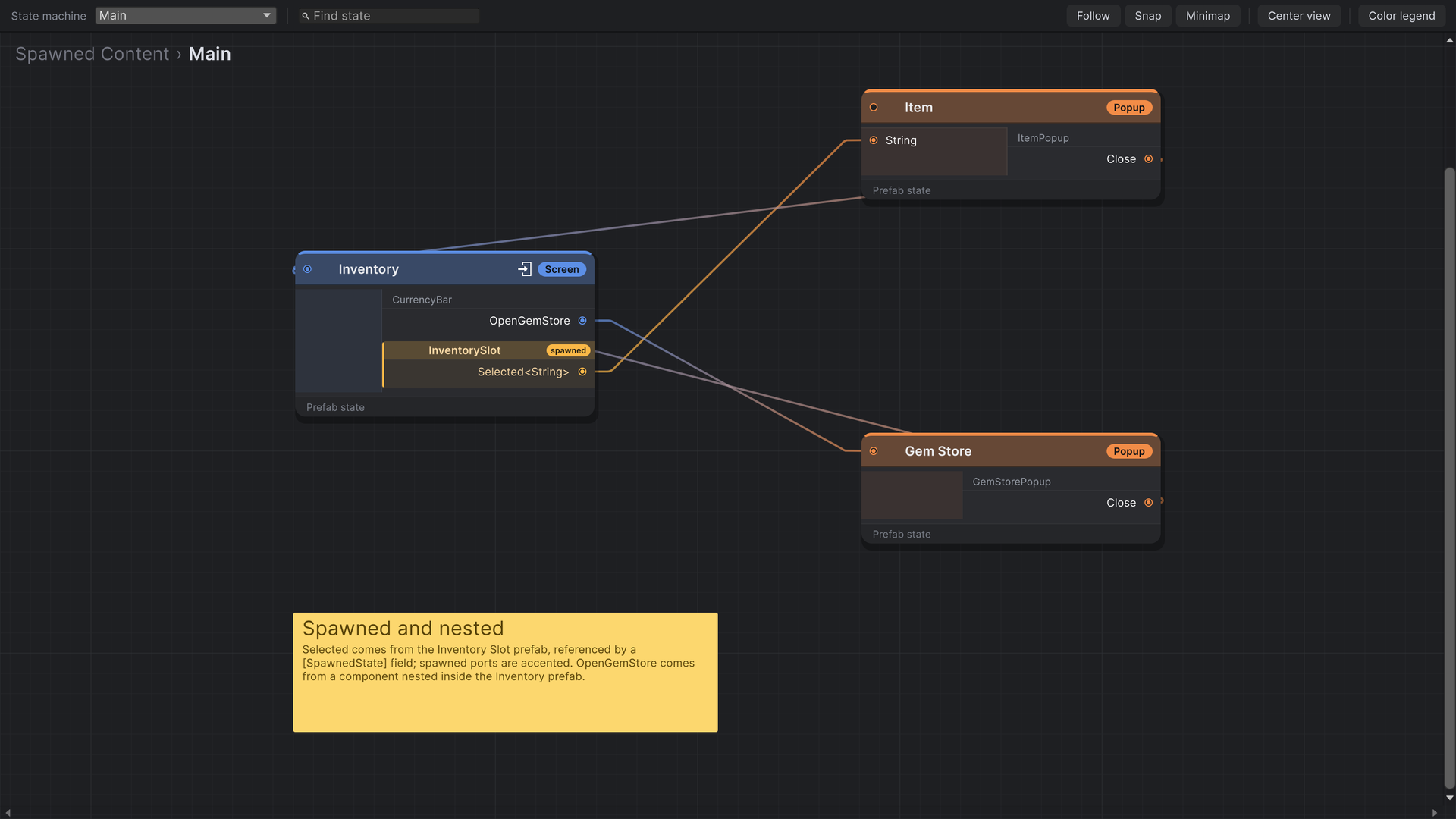
A state's triggers don't have to be declared on its root. Components nested in the prefab, and prefabs the state spawns at runtime, can all drive the flow, and their triggers appear as ports on the state's node.
Nested components
Every StateFlowComponent in the prefab's hierarchy contributes its triggers, grouped on the node under its class name. A reusable piece of UI can carry its own exits:
public class CurrencyBar : StateFlowComponent
{
    [SerializeField] private Button getGemsButton;

    public event Trigger OpenGemStore;

    public override void Initialize()
    {
        getGemsButton.onClick.AddListener(() => OpenGemStore?.Invoke());
    }
}
Put the CurrencyBar inside any screen prefab, and its OpenGemStore port shows on that screen's node. Nested components receive the same lifecycle calls as the root.
Spawned prefabs
Lists, grids and other content you instantiate at runtime don't exist when the editor builds the node. Mark the prefab field with [SpawnedState] and the editor reads the prefab's triggers from it:
using System.Collections.Generic;
using StateFlow.Runtime.Attributes;
using StateFlow.Runtime.Components.State;
using StateFlow.Runtime.Utilities;
using UnityEngine;

public class InventoryScreen : StateFlowComponent
{
    [SpawnedState, SerializeField] private InventorySlot slotPrefab;
    [SerializeField] private RectTransform grid;

    private readonly List<InventorySlot> slots = new();

    public override void Initialize()
    {
        foreach (var item in Inventory.Items)
        {
            slots.Add(StateFlowSpawner.Spawn(slotPrefab, grid, item));
        }
    }

    // Removing content while the state is open. Slots still alive when the state itself
    // is destroyed get Exit and Dispose automatically.
    private void ClearSlots()
    {
        foreach (var slot in slots)
        {
            StateFlowSpawner.Despawn(slot);
        }

        slots.Clear();
    }
}public class InventorySlot : StateFlowComponent, IStateFlowComponentWithPayload<string>
{
[SerializeField] private Button button;
[SerializeField] private Text label;
private string item;
public event Trigger<string> Selected;
public override void Initialize()
{
button.onClick.AddListener(() => Selected?.Invoke(item));
}
public void SetPayload(string payload)
{
item = payload;
label.text = payload;
}
}[SpawnedState]
- Goes on a serialized field holding a
StateFlowComponentprefab, an array of them, or aList. - The field can also live on a ScriptableObject the state references, so a shared library asset can declare what it spawns.
- References are followed through: a spawned prefab with its own
[SpawnedState]fields contributes those too.
StateFlowSpawner
| Method | Does |
|---|---|
Spawn(prefab, parent) | Spawns the prefab, binds its triggers to the active state's transitions and runs Initialize, LateInitialize and Enter. TransitionFinished follows once the owning state's transition has ended. |
Spawn(prefab, parent, payload) | The same, delivering payload through SetPayload as a transition would. |
Spawn(prefab, parent, first, second) | The same with two payloads. |
Despawn(instance) | Unbinds it, runs Exit and Dispose, and destroys it. |
In 1.2.0 this class was called ManagedLifecycle, with Instantiate and Dispose. The old name still compiles, with an obsolete warning, until 2.0.
Spawn under the state's own hierarchy, so the content belongs to that state's machine. Spawned content keeps its own lifecycle: it isn't exited when a popup opens over its owner, and it stays bound when the owner becomes active again. When the owning state is destroyed, any spawned content still alive gets Exit and Dispose automatically. Use StateFlowSpawner.Despawn to remove content earlier, while the state is open. Object.Destroy also works, but skips its Exit and Dispose.
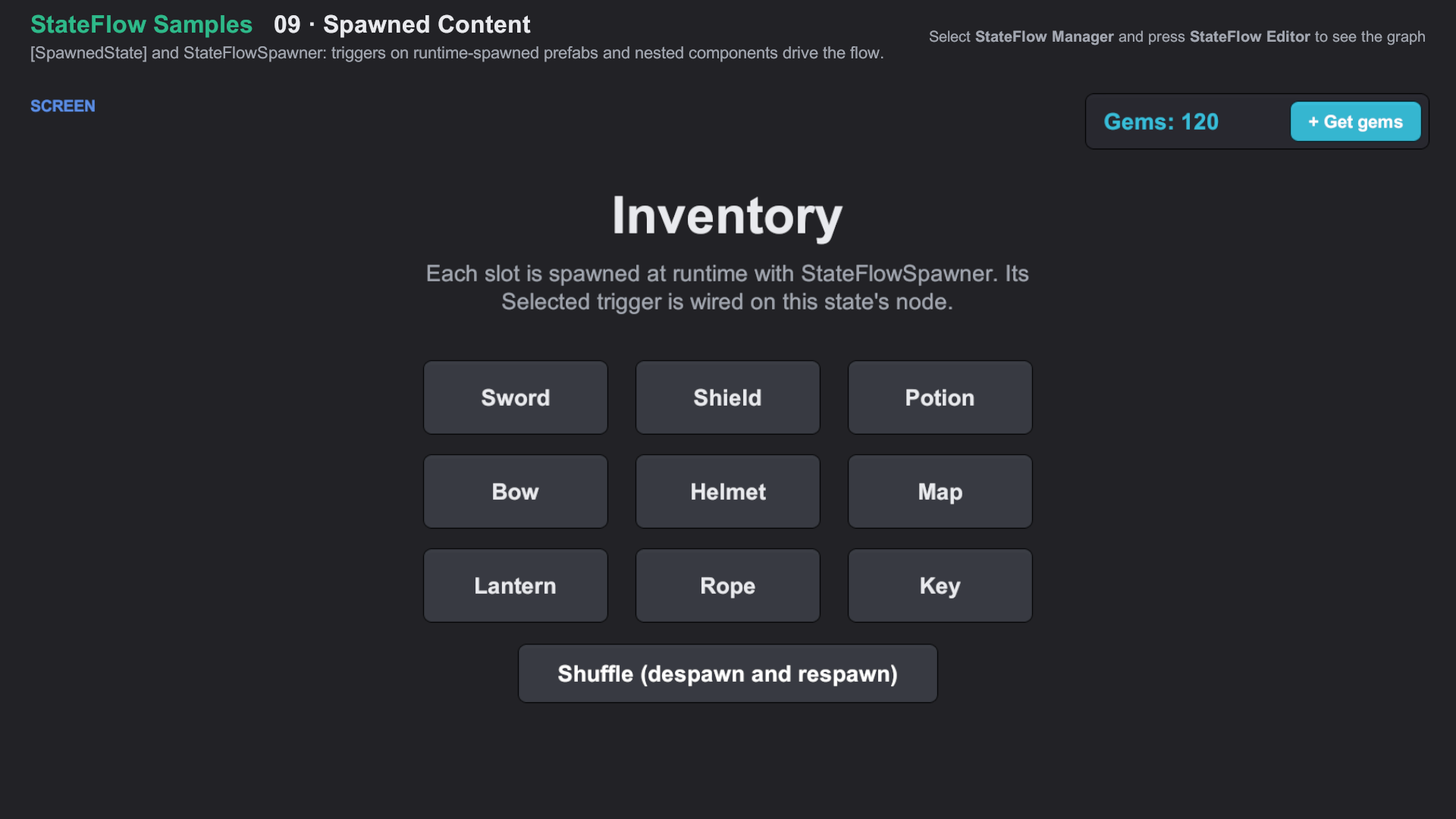
Import Feature Samples from the Package Manager and open 09 Spawned Content/09 Spawned Content.unity. About the samples